Clay offers the most powerful person search available anywhere, allowing you to find anyone you know, by typing almost anything.
Clay’s Search is similar to Google, meaning you can just type regular phrases to find someone. Behind the scenes, Clay parses your search to understand who you’re looking for and gives you results in milliseconds.
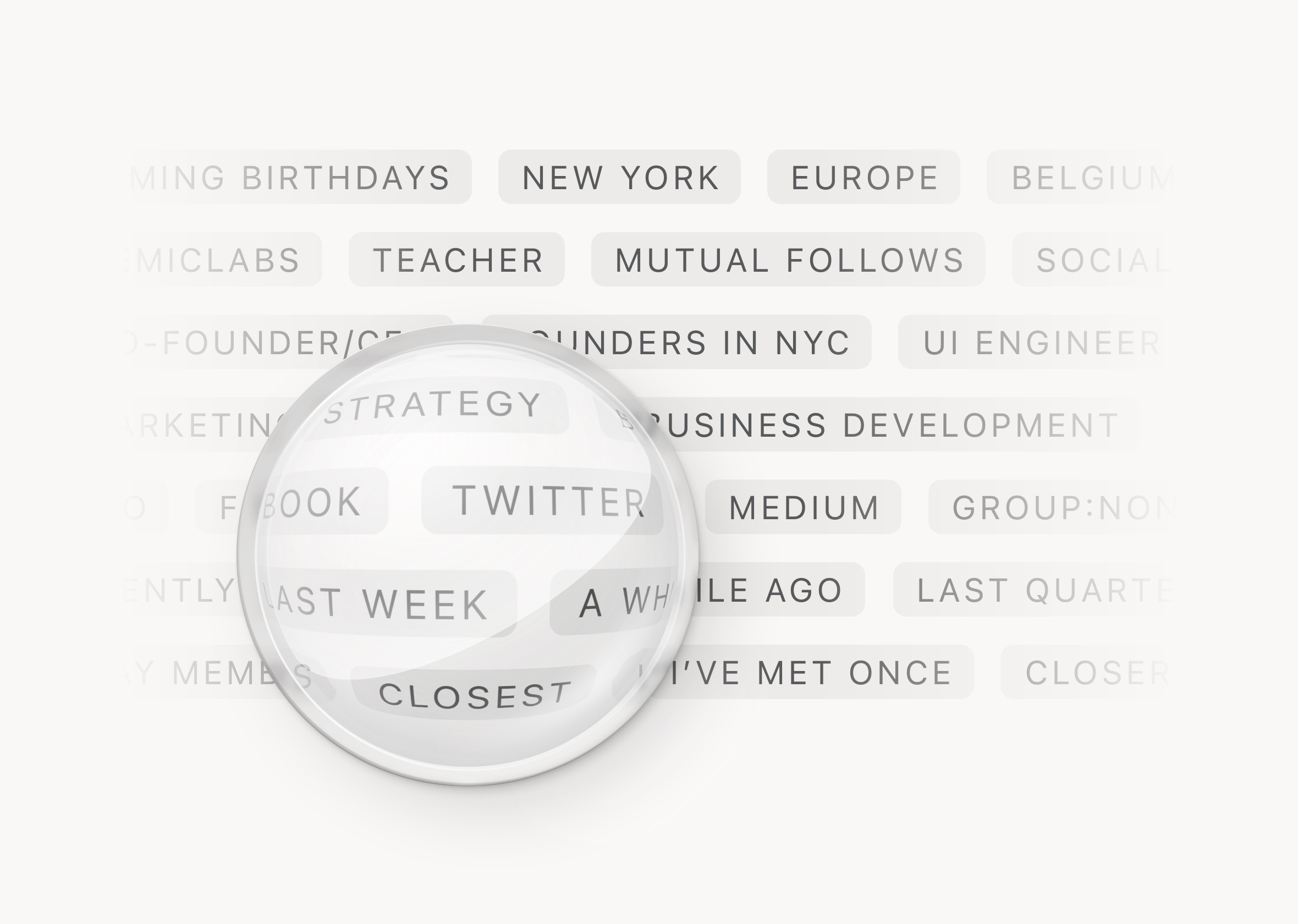 Designing the world's best people search
Search is designed to help you find the broadest possible set of results, sorted by relevance and relationship. What does this mean in practice?
- Broad: We believe serendipity helps reinforce relationships, so we’d rather give you too many results that include the person you’re looking for, along with others you might not have thought of, instead of too few. To do this, we correct for typos and replace broad words—like 'NYC'—with other terms like New York, just in case someone uses an alternate phrase.
- Multi-variable: We also search across your notes and every field Clay brings in, so you havethe largest chance for a successful match. Everything is assessed to present you with the right people.
- Relevance: Depending on your search term, Clay will prioritize particular fields over others. For example, a match for 'NYC' in someone’s location takes precedence over a match in their education.
- Relationship: Unlike other searches, Clay knows how you know someone. So people you’ve known forever will take precedence over people you only met once, for example.
Example terms
Because search understands regular phrases and sentences, there's no need for specific keywords or filters. You may access the full list of our advanced search filters by selecting Explore All Search Terms and you'll see that the search suggestions are customized based on your Clay data, so you see examples that are relevant to you.
Here’s a small sample of things you can search for:
-
By Location
- City
PhiladelphiaMountain View - State
MichiganFL - Country
FranceUSA - Region
EuropeNYCBay Area
- City
- By Organization
- Company name
AppleProcter & Gamble - Employment type
FreelanceSelf-Employed - Industry
FintechFashion
- Company name
- By Education
- Institution
UCLAÉcole Polytechnique - Major
PsychologyEconomics - Education Level
BachelorsMBAPhDPostdoc
- Institution
- By Interest
- Hobbies
TravelWoodworkingEtsy - Publications
VogueThe Atlantic
- Hobbies
- By Twitter
- Twitter followers
People who follow me - Twitter following
People I follow - People I follow and follow me back
Mutual follows - Follower count
people with 10k+ followers(options are 1k+, 10k+, and 100k+)
- Twitter followers
- By Integration
- List of your Linkedin connections
Linkedin connections - List of your Facebook friends
Facebook friends - List of people you texted, if you have connected iMessage on Desktop
textedmessagediMessage - List of people who have a phone number
phone - List of people who were brought in from the iOS Contacts integration
contactsApple contact
- List of your Linkedin connections
- By Other Social Media
- People who have a particular social media link on their profile
SoundcloudTumblrGithubPinterestLinkedinFacebookTwitter
- People who have a particular social media link on their profile
- By Date
- By particular time periods
Last monthLast quarterLast year - Broad time periods
A while agoRecently
- By particular time periods
- By Relationship
- By meetings
People I've met oncePeople I've never met - By email
People I've emailed - By relationship closeness
CloseCloserClosestNew
- By meetings
- By Interaction
emailCount:<2lastText:>2021
- Miscellaneous
- Get a list of all your contacts
all - List Clay members you know
Clay members - People you've added to Clay manually
manual - Upcoming reminders
reminder - Filter for people who are starred
starred
- Get a list of all your contacts
Sorting your results
Use Sort at the top right to rearrange the order of the results by relevance (default), name, or recency.
ℹ️ When you sort search results by relevance, Clay prioritizes results in the following order:
- Top results: Your closest contacts (highest relationship score) who directly match your search keyword
- Secondary results: Your other close contacts who have content related to your search query
- Additional results: Remaining contacts with lower relationship scores who match your search criteria
For example, if you search for "design," you'll first see your closest contacts who have "design" specifically mentioned in their profile. Next, you'll see other close connections with related design content. Finally, you'll see less connected contacts who match your design query.
Advanced Search
In addition to regular Google-style search, there are some secret keywords that can help you write even more powerful queries. You can narrow your search terms with exact phrases, exclusions, wildcards, or even search in specific fields:
- Advanced search operators
- Exact phrase
"The New Yorker" - Exclude phrase
paris -"investor”will show you people you know in Paris who are not investors - Wildcard phrases
bio*will return biochem, bioinformatics, biomedical, etc.
- Exact phrase
- By Field
- Field names
namebionotegroupnoteDatecompanyorglocationcreatedupdatedfirstMetlastMetfirstEventlastEventfirstEmaillastEmailfirstTextlastTextmessageCountemailCountmeetingCount - Operators
::<:> - Examples
name:janeorg:"The Paris Review"firstMet:2019lastText:>2021firstEvent:2016-01group:none
- Field names
ℹ️ When combining multiple search terms, Clay uses "AND" logic by default. This means all terms must be present for a result to appear. For example, searching "marketing director" will only show contacts who match both "marketing" and "director."
We don't currently support "OR" logic that would show results matching either term but we're working on expanding our search capabilities in future updates!