Clay's browser extension brings the power of your relationship network directly to the web, making it easier than ever to stay connected and build meaningful relationships. Available for Chrome, Safari, Firefox, and Edge, the extension seamlessly integrates with LinkedIn and other platforms to help you manage contacts without leaving your browser.
Installing the Extension
Clay's browser extension is now live across Chrome, Brave, Safari, and Firefox, and Edge. We also support Chromium-based browsers like Arc via the Chrome extension.
Key Features
LinkedIn with Context
The extension transforms your LinkedIn experience by adding Clay's relationship insights directly to profiles you visit. See your interaction history, notes, and connection strength without switching tabs.
Gmail Integration
Browse contacts, take notes, and add people to Clay directly from Gmail threads.
Pathfinder
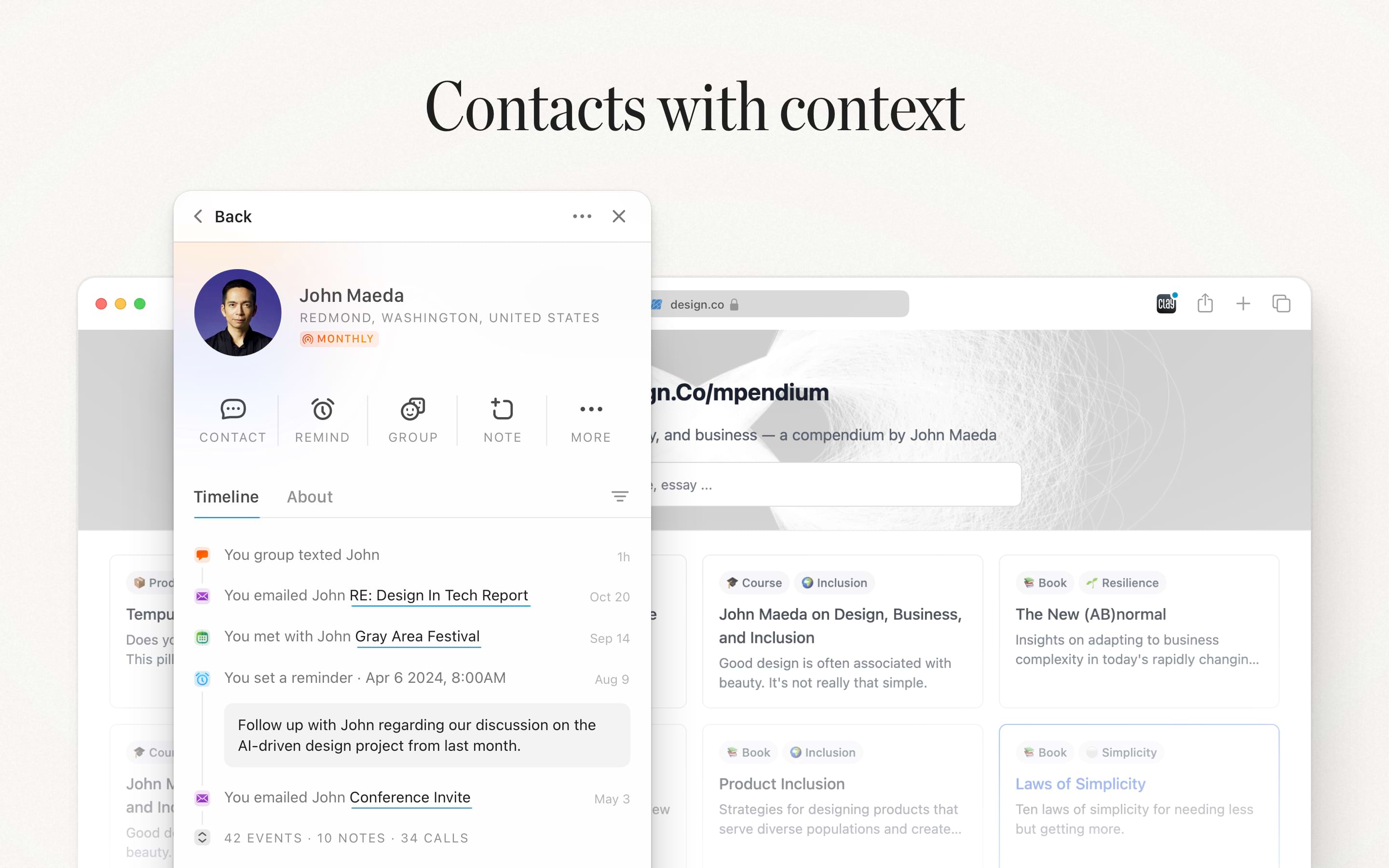
The browser extensions automatically surface your connections based on the website you're visiting.
Whether you're researching a potential client, exploring job opportunities, or reading about a company in the news, Clay will instantly show you everyone in your network who works there—right in your browser.
For our Clay Teams and Enterprise plans, this gets even more powerful: you'll see not just your own connections, but also who your teammates know. It's never been easier to share context across your organization and find the right person to reconnect with.
Quick Add Contacts
Found someone interesting while browsing? Add them to Clay with a single click. The extension automatically captures their profile information and enriches it with Clay's data sources.
Search Your Network
Access Clay's powerful search directly from your browser toolbar. Quickly find contacts, check someone's details, or discover connections without opening the full Clay app.
Privacy & Security
All data collected by the extension follows Clay's privacy policy.
What the Extension Accesses
- URL of the current page - To enable adding contacts or updating info from various sites
What the Extension Does Not Do
- Access or store your browsing history
- Read your private messages or emails
- Modify website content without your action
- Share your data with third parties
Troubleshooting
Extension Not Working?
- Ensure you're logged into Clay in your browser
- Check that the extension has proper permissions
- Try disabling and re-enabling the extension
- Clear your browser cache and cookies for Clay
Need Help?
If you're experiencing issues with the browser extension, contact our support team at care@clay.earth with:
- Your browser and version
- The extension version (found in extension settings)
- A description of the issue
- Any error messages you're seeing